TL;DR
Arc vs Brave: For most Mac users in 2026, Brave is the better choice for browsers because it is free and open source, so you can inspect, self-host, and trust the code. Both install with a single Homebrew command, so the switching cost is low. Choose Arc instead if you want browser.
Which is better: Arc or Brave?
Brave is the top pick for most Mac users looking at browsers. It is free and open-source and installs in one Homebrew command. Arc is the stronger choice if you want browser. As of September 2026, both install with brew install --cask arc and brew install --cask brave-browser.
Arc vs Brave
Which is the better browsers for Mac in 2026?
We compared Arc and Brave across 6 key factors including price, open-source status, and community adoption. Read our full breakdown below.
Arc
Browser designed for the way we use the internet in 2025
Brave
Privacy-focused browser with built-in ad blocking
Visual Comparison
Arc
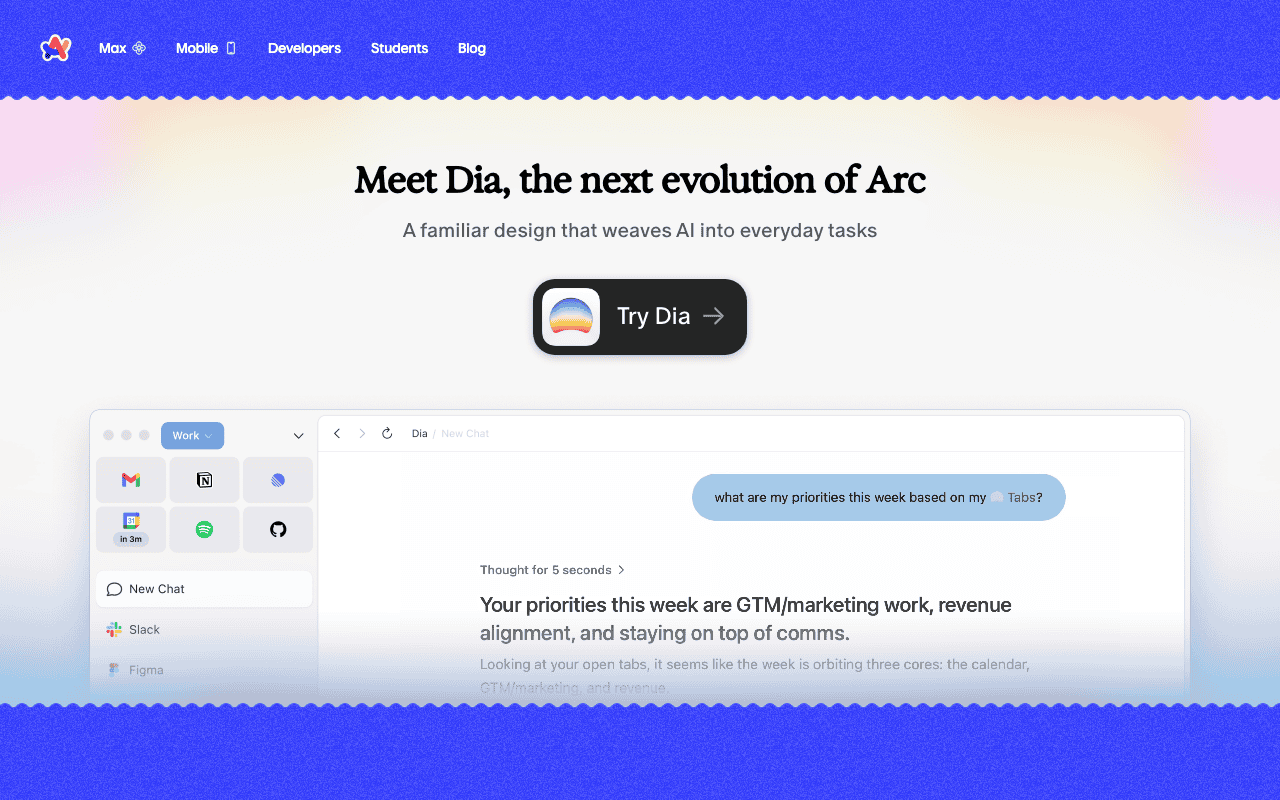
Arc — Official Website
Brave
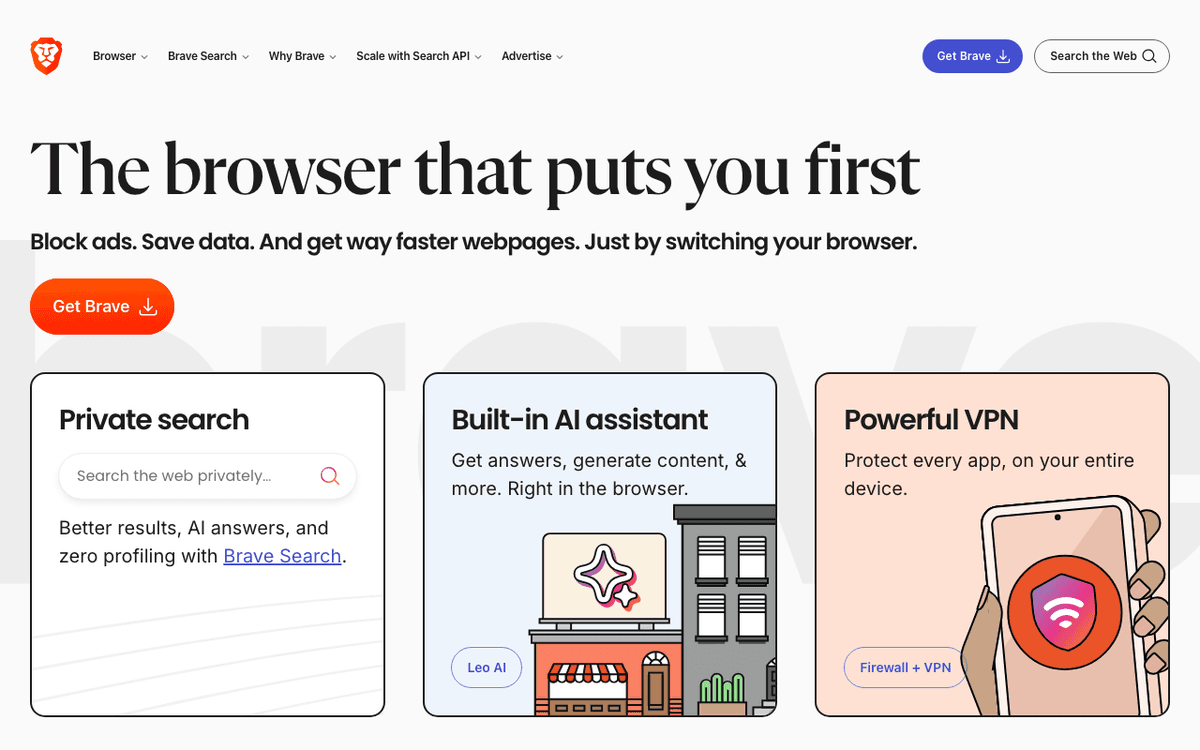
Brave — Official Website
Our Verdict
For most Mac users in 2026, Brave is the better choice for browsers because it is free and open source, so you can inspect, self-host, and trust the code. Both install with a single Homebrew command, so the switching cost is low. Choose Arc instead if you want browser.
Feature Comparison
| Feature | Arc | Brave |
|---|---|---|
| Price | Free | Free |
| Open Source | No | Yes |
| Replaces | — | — |
| Best for | browser, modern, spaces | browser, privacy, crypto |
| Install | brew install --cask arc | brew install --cask brave-browser |
| Category | Web Browsers | Web Browsers |
Quick Install
brew install --cask arcbrew install --cask brave-browserLearn More
In-Depth Overview
What is Arc?
Arc is a Chromium-based browser from The Browser Company known for vertical tabs/sidebar, Spaces, Split View, Peek, Boosts and a calm productivity-oriented UI. It popularised a generation of ‘Arc-like’ browsers. As of August 2026, Arc is explicitly maintenance-mode: downloads remain available for Mac and Windows, but the company markets Dia as the next evolution and states Arc receives Chromium updates only. Feature innovation, enterprise hardening narrative and AI work have moved to Dia (Apple Silicon, macOS 14+). Treat Arc as a legacy favourite, not the future default.
What is Brave Browser?
Brave is a free, open-source Chromium browser focused on privacy by default. Shields block ads and trackers, HTTPS upgrades and fingerprinting protections are first-class and optional Brave Search reduces Google dependence. Brave Leo provides in-browser AI chat/summarisation with free models and a Premium tier for higher limits and stronger models (commonly $14.99/month). Brave also offers Firewall+VPN and other premium services without making core browsing paywalled. In 2026 Brave remains under active development with agentic AI browsing experiments and frequent channel updates, exactly the maintenance posture Arc no longer has.
Detailed Feature Comparison
Development status & security cadence
CriticalChromium updates only; no active feature roadmap; company points users to Dia for active security narrative. Atlassian acquisition news in September 2025 reinforces Dia as the strategic browser.
Continuous releases, open-source development, and ongoing privacy/AI features on desktop and mobile channels through 2026.
Verdict: Brave wins on being alive as a product. Arc is maintenance-mode.
Privacy & tracking protection
CriticalRespectable Chromium privacy posture historically, but not Brave's aggressive default blocking suite. Arc's privacy page emphasises limited browsing data collection; it is not Shields.
Shields, tracker/ad blocking, fingerprinting protections, HTTPS upgrades, and privacy-preserving defaults out of the box.
Verdict: Brave is the privacy specialist.
Tab & workspace UX
HighSpaces, vertical sidebar, Split View, and Peek remain best-in-class productivity UX even while frozen. That nostalgia is real and still why some users stay.
Improving vertical tabs and workspaces, but the original Arc spatial model still feels more opinionated. Re-check after major Chromium bumps.
Verdict: Arc still wins pure workspace UX nostalgia; Dia aims to inherit this energy.
Built-in AI
HighArc's AI experiments are not the company's focus; Dia carries the AI browser story now. Re-check after major Chromium bumps.
Leo free tier plus Premium ($14.99/month or $149.99/year) with higher limits and stronger models, plus BYOM options and agentic browsing work described in Brave's AI browsing posts.
Verdict: Brave Leo is the maintained AI assistant on this comparison's Brave side; Dia is the Browser Company AI bet.
Performance & memory
MediumChromium baseline; efficiency depends on Spaces discipline and how many live pages you keep warm. Re-check after major Chromium bumps.
Chromium with blocking that can reduce page weight on ad-heavy sites; still a multi-process browser. Re-check after major Chromium bumps.
Verdict: Similar Chromium realities; blocking can help Brave on noisy sites.
Extensions & compatibility
HighChrome Web Store compatibility via Chromium, with some Arc UI constraints around vertical tabs and Spaces. Re-check after major Chromium bumps.
Broad Chrome extension support plus Brave-specific features. Safer long-term bet while Arc is frozen. Re-check after major Chromium bumps.
Verdict: Brave is safer for long-term extension ecosystems.
Platforms & pricing
MediumFree Mac/Windows clients remain downloadable; mobile story was never as strong as desktop Arc. Re-check after major Chromium bumps.
Free desktop and mobile; optional Leo Premium and VPN products. Active multi-platform releases continue. Re-check after major Chromium bumps.
Verdict: Brave wins active multi-platform free browsing.
Company roadmap & ownership
CriticalFeature development stopped; company and Atlassian messaging centre on Dia. Arc remains downloadable with Chromium updates only.
Independent Brave Software roadmap focused on privacy browser features, Leo, Search, and premium add-ons. Re-check after major Chromium bumps.
Verdict: Brave owns a living roadmap; Arc's roadmap moved to Dia.
Who Should Choose Which?
1Privacy-first journalist
Active Shields and updates matter more than Arc aesthetics.
2Designer who loved Spaces
If you need Browser Company UX future, go Dia; otherwise Brave.
3Enterprise security admin
Maintenance-mode browsers are hard to justify in managed fleets.
4Student on limited RAM
Blocking reduces junk scripts; free forever for core browsing.
5Existing Arc power user
Plan migration to Dia or Brave before Arc bit-rots further.
6Searcher asking Arc vs Brave vs Dia
Brave for privacy Chromium, Dia for Browser Company AI, Arc only as a bridge.
Migration Guide
Arc → Brave Browser
Export bookmarks, note Spaces structure, install Brave, enable Shields, install critical Chrome extensions and optionally try Leo. Recreate work/personal profiles. Keep Arc read-only for a week.
Brave Browser → Arc
Not recommended for new users in 2026. If testing nostalgia, install Arc knowing updates are Chromium-only and evaluate Dia instead for long-term Browser Company features.
Pro Tips
Screenshot your Arc Spaces before export. Recreate only the Spaces you used this week, not every abandoned pile. Keep Arc installed read-only for seven days. If Dia is your destination, confirm Apple Silicon and macOS 14+ first.
Final Verdict
brave-browser
Winner
Runner-up
Scores are Bundl.run editorial ratings out of 10 across 8 criteria (the feature comparison above), last reviewed August 2026.
Brave wins because it is an actively maintained private browser. Arc is a polished maintenance-mode client whose company future is Dia under the Atlassian acquisition agreement. Nostalgia for Spaces is valid; starting a new default on Arc is not. Revisit the choice after every major Chromium security week if you are still on Arc for nostalgia alone.
Bottom Line: Install Brave for private Chromium browsing today. If you specifically want The Browser Company's next chapter, install Dia on a supported Mac, not Arc.
Video Tutorials
Arc Browser | A Quick Tour of Arc Basics
The Browser Company • 324.5K views
This Free App Is a Game-Changer For Students | Arc Set Up & Tutorial
Koi • 243.7K views
How to Install Arc Browser on macOS
Ajoy Kumar • 98 views
Switching to a MacBook for Arc Browser ❤️
Efficient App (Alex & Andra) • 17.7K views
Frequently Asked Questions
Arc vs Brave: which should I install in 2026?
Brave vs Arc: is the answer different?
Arc browser vs Brave: who wins privacy?
Arc vs Brave vs Dia: who wins?
Is Arc discontinued?
Did Atlassian buy The Browser Company?
Is Brave free?
Should Arc users move to Dia or Brave?
Does Brave have vertical tabs?
Can I import Arc data into Brave?
Is Arc still safe to use?
What changed since mid-2025?
About the Author

Explore More on Bundl
Browse browsers apps, read our complete guide, or discover curated bundles.
Expert Insights
If arc.net tells you to download Dia for active security patches, your comparison table is already decided for new installs.
Spaces nostalgia is not a security policy. Teams should write browser standards around patch cadence.
Brave Leo Premium pricing is optional; do not let AI upsells distract from Shields as the core Brave reason.
Sources & References
Fact-CheckedLast verified: Aug 9, 2026
Key Verified Facts
- arc.net states Arc receives Chromium updates only and promotes Dia for active security patches.[cite-arc, cite-dia]
- Dia is marketed as the next evolution of Arc.[cite-dia, cite-arc]
- Brave Leo Premium is listed at $14.99/month or $149.99/year.[cite-brave-premium, cite-leo]
- Brave VPN is listed at $9.99/month or $99.99/year on Brave's premium page.[cite-brave-premium]
- Atlassian announced an agreement to acquire The Browser Company for about $610 million in September 2025.[cite-atlassian, cite-techcrunch]
- 1Arc from The Browser Company
Accessed Aug 9, 2026
- 2Dia browser
Accessed Aug 9, 2026
- 3Brave browser
Accessed Aug 9, 2026
- 4Brave Leo
Accessed Aug 9, 2026
- 5How do I use Brave Leo?
Accessed Aug 9, 2026
- 7Brave AI browsing blog
Accessed Aug 9, 2026
- 8Welcoming The Browser Company to Atlassian
Accessed Aug 9, 2026
- 9Atlassian to buy Arc developer The Browser Company for $610M
Accessed Aug 9, 2026
- 10Arc Browser vs Brave 2026 analysis
Accessed Aug 9, 2026
Research queries: Arc browser maintenance Dia; Brave Leo Premium price
Related Technologies & Concepts
Related Topics
Private browsers
Ad blocking, Chromium forks, AI browsers, and maintenance-mode Arc context.
Arc alternatives after maintenance mode
Where Arc users go: Dia, Brave, Zen, Safari.