Raycast
Featured toolYour Productivity Superpower
Blazingly fast productivity launcher with extensions
Explore app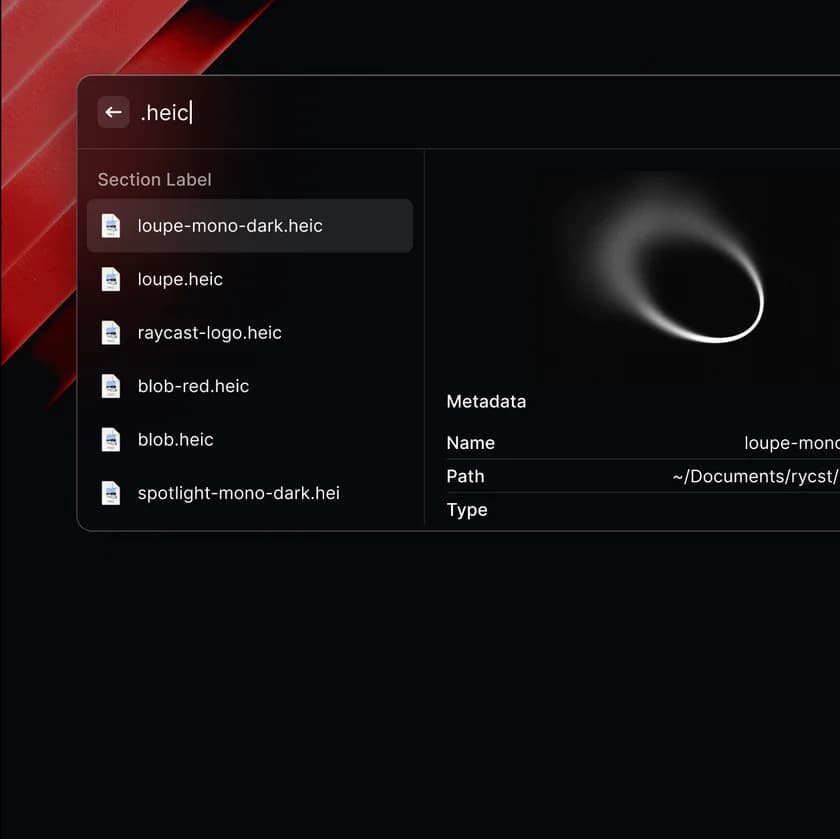
Discover, compare, and install Mac apps.
Your Productivity Superpower
Blazingly fast productivity launcher with extensions
Explore app Open source
Hand-picked toolkits for every workflow
AI-powered development workflow

Interface and experience design

Supercharge your Mac


Modern, GPU-accelerated terminals


Video, audio, and social content



Must-have apps for new Mac users

Turn speech into text with AI

Premium quality, zero cost


Industry-defining apps for professionals
AI-first code editor built on VS Code
Collaborative design tool for teams
All-in-one workspace for notes, tasks, wikis, and databases
Fast, lightweight Docker & Linux on Mac
Move and resize windows using keyboard shortcuts
Knowledge base that works on local Markdown files
Can't decide between two apps? Our side-by-side comparisons help you choose the right tool.
RaycastBlazingly fast productivity launcher with extensions
 Alfred
Productivity app for macOS with hotkeys and workflows
The best terminal for most Mac users is Ghostty — it is fast, GPU-accelerated, native, and needs zero config. Power users who want deep customization pick iTerm2, and Warp is the choice for AI-assisted, block-based workflows. All install free with one Homebrew command.
Read guideA lean Mac developer setup: terminal, editor, containers, and keyboard tools, with one combined Homebrew install at the end.
How Bundl evaluates Mac apps: hands-on testing, update checks, real Homebrew casks, and a clear no pay-to-play policy.
Tell us what you build. We generate a single terminal command that installs everything you need.
Select your role or stack. We map the dependencies.
Fine-tune the selection. Add or remove tools as needed.
Copy a single brew install command and run it in your terminal.
Your bundle
brew install --cask google-chrome rectangle the-unarchiver vlc spotifyYour bundle
brew install --cask cursor warp raycast docker-desktop githubYour bundle
brew install --cask figma sketch notion slack cleanshotBundl.run is the fastest way to set up a new Mac. Think of it as the Ninite for Mac — select the apps you need, and we generate a single terminal command that installs everything via Homebrew. No clicking through installers, no hunting for download links. Browse our app directory to discover popular tools like Raycast, Cursor, and Warp, or read our in-depth guides to find the best apps for your workflow.
Whether you're a developer setting up a new machine, a designer building your creative toolkit, or a student getting organized — Bundl helps you install your entire workflow in minutes, not hours. Can't decide between similar tools? Check our head-to-head comparisons or explore free alternatives to popular paid apps.
246 expert‑curated picks across collections of development tools, productivity apps, and utilities for macOS.
Copy a single brew install command and run it in your terminal.
Tell us what you do, and our AI builder suggests the perfect app bundle for your workflow.