TL;DR
Dashlane vs 1Password: For most Mac users in 2026, 1Password is the better choice for security because it ranks higher in Homebrew install popularity (#61). Both install with a single Homebrew command, so the switching cost is low. Choose Dashlane instead if you want password manager.
Which is better: Dashlane or 1Password?
1Password is the top pick for most Mac users looking at security. It has a free tier and installs in one Homebrew command. Dashlane is the stronger choice if you want password manager. As of September 2026, both install with brew install --cask dashlane and brew install --cask 1password.
Dashlane vs 1Password
Which is the better security for Mac in 2026?
We compared Dashlane and 1Password across 6 key factors including price, open-source status, and community adoption. Read our full breakdown below.
Dashlane
Password manager and digital wallet with dark web monitoring and VPN features.
1Password
Password manager and secure wallet
Visual Comparison
1Password
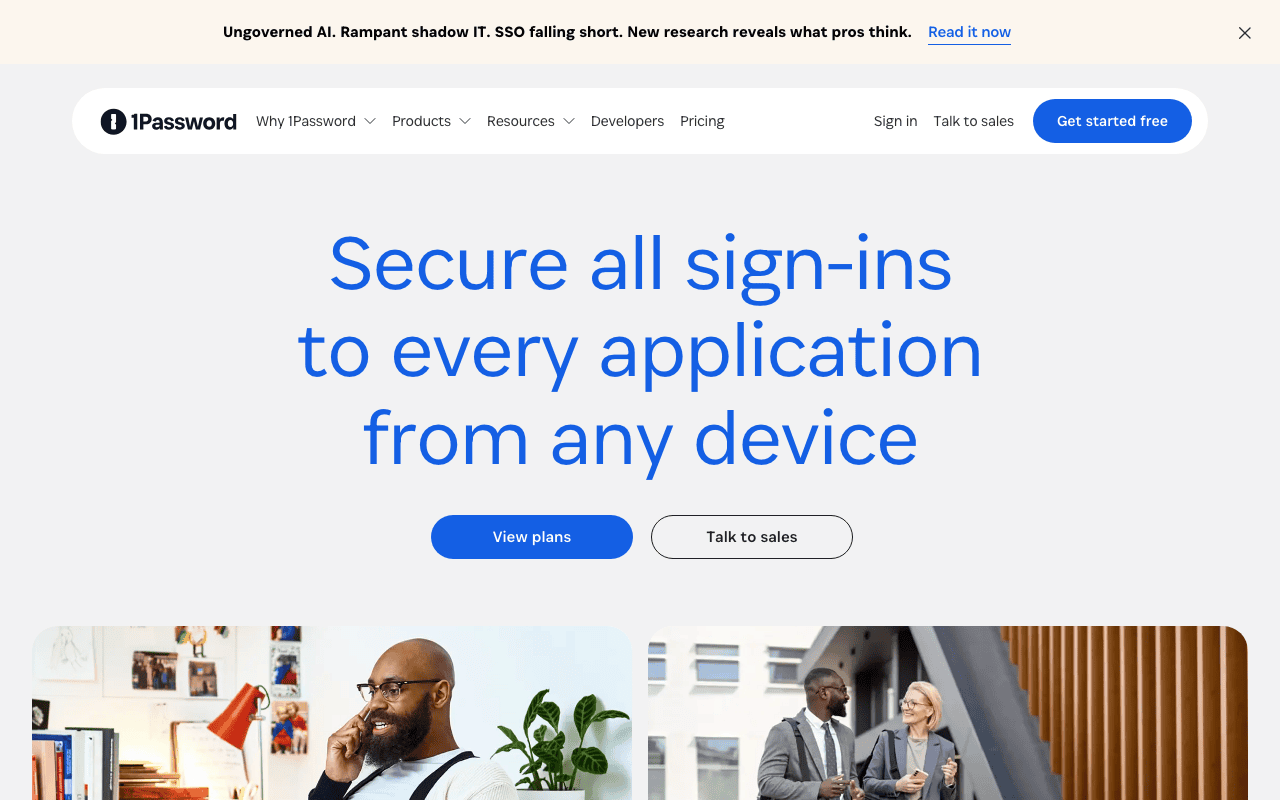
1Password — Official Website
Our Verdict
For most Mac users in 2026, 1Password is the better choice for security because it ranks higher in Homebrew install popularity (#61). Both install with a single Homebrew command, so the switching cost is low. Choose Dashlane instead if you want password manager.
Feature Comparison
| Feature | Dashlane | 1Password |
|---|---|---|
| Price | Paid | Paid |
| Open Source | No | No |
| Replaces | — | — |
| Best for | password manager, security, passwords | password, security, vault |
| Install | brew install --cask dashlane | brew install --cask 1password |
| Category | Security & Privacy | Security & Privacy |
Quick Install
brew install --cask dashlanebrew install --cask 1passwordLearn More
In-Depth Overview
What is Dashlane?
Dashlane is a paid password manager that pairs credential autofill with extra security services: dark web monitoring, phishing and scam protections, and a Wi-Fi VPN on Premium (on Friends & Family the VPN benefit is limited to the plan manager). Personal plan docs list only Premium (one member) and Friends & Family (ten members). Dashlane discontinued Free and several legacy personal SKUs, and personal plans are sold annually. Third-party 2026 reviews commonly list Premium at $4.99/month billed annually ($59.88/year) and Friends & Family at $7.49/month ($89.88/year); confirm checkout because regional App Store pricing can diverge. Business packaging sits under Omnix credential-security products with Password Management and Credential Protection seats (public pages emphasise contact-sales and per-user annual business pricing). On Mac, Dashlane works across browsers and devices; some users still prefer 1Password's native app feel. Passkeys, secure sharing, and password health dashboards remain core. Choose Dashlane when the VPN bundle and ten-person family plan matter more than developer tooling.
What is 1Password?
1Password is AgileBits' paid password manager built around Master Password plus Secret Key dual-secret encryption, native apps, and Watchtower security monitoring. Consumer pricing on 1password.com/pricing/personal in August 2026 shows Individual at $3.99/month paid annually (promotional $2.99 first year for eligible new customers) and Families at $5.99/month paid annually (promotional $4.49) for up to five family members. There is no long-term free tier; trials exist instead. Standout Mac features include multiple vaults, Travel Mode, passkeys, SSH agent, CLI and secret references for developers, and enterprise expansions into Unified Access and privileged access for organisations. For Mac power users and software teams, 1Password usually feels more native and more developer-complete than Dashlane, even after Dashlane's security-suite extras.
Detailed Feature Comparison
Native Mac experience
CriticalCapable apps and extensions on Mac; generally less praised than 1Password for native feel and keyboard-driven vault work.
Often treated as the benchmark native macOS client for autofill polish, vault navigation, and day-to-day unlock habits.
Verdict: 1Password still feels more Mac-native.
Bundled VPN
MediumPremium includes Wi-Fi VPN; Friends & Family VPN for manager only.
No bundled VPN. Bring your own client if you need one.
Verdict: Dashlane wins suite bundling.
Developer tooling
HighSolid sharing/autofill; not SSH-agent-first.
SSH agent, CLI, secret references, Git signing workflows.
Verdict: Developers should default to 1Password.
Family sharing
HighFriends & Family covers up to 10 accounts.
Families covers up to 5 with strong vault sharing.
Verdict: Dashlane covers larger households per plan.
Security architecture
CriticalZero-knowledge vault with patented architecture claims and monitoring extras.
Secret Key + Master Password dual-secret model and Watchtower.
Verdict: Both are premium zero-knowledge managers. Threat models differ in detail rather than in league.
Pricing (individual)
High~$4.99/mo annual Premium; no free plan.
$3.99/mo annual Individual (promo $2.99 first year eligible).
Verdict: 1Password usually cheaper for one person.
Travel / border workflows
MediumStandard vault controls.
Travel Mode can remove sensitive vaults from devices.
Verdict: Travel Mode remains unique and useful.
Business platform
MediumOmnix password/credential products for workforce security.
Broad B2B platform (password manager plus expanding access products).
Verdict: Slight edge to 1Password's broader identity story for many teams.
Who Should Choose Which?
1Mac developer
SSH agent, CLI, secret references, and vault UX beat suite extras for day-to-day engineering.
2Traveller
Travel Mode can strip sensitive vaults from devices before border crossings.
3Household of 8
Friends & Family seats cover up to 10 people in one plan.
4Wants VPN included
Premium includes Wi-Fi VPN without a second subscription.
5Solo professional
Lower individual list price plus stronger Mac vault polish.
6Security-suite shopper
Dark web monitoring, phishing protections, and VPN live next to autofill.
7Business admin evaluating Omnix
Treat Omnix seats and 1Password business/Unified Access as a separate RFP with SSO and audit requirements.
Migration Guide
Dashlane → 1password
Export Dashlane credentials, import into 1Password, rebuild vault structure and sharing, set up SSH agent/CLI if you need them, re-enrol 2FA where needed, and cancel Dashlane after a clean week of autofill.
1password → Dashlane
Export 1Password data, import to Dashlane, reconfigure sharing for up to 10 members if using Friends & Family, assign the plan manager for VPN access, and verify monitoring alerts before you cancel 1Password.
Final Verdict
1Password
Winner
Runner-up
Scores are Bundl.run editorial ratings out of 10 across 8 criteria (the feature comparison above), last reviewed August 2026.
1Password remains the better default password manager for Mac individuals, families of five or fewer, and developers who want SSH/CLI depth. Dashlane is the right buy when you explicitly want VPN bundling or a ten-person Friends & Family plan and you are willing to trade some native vault polish for those extras. August 2026 pricing did not invert that split: 1Password Individual at $3.99/month annual and Dashlane Premium near $4.99/month annual still point most solo Mac users the same direction.
Bottom Line: Buy 1Password unless Dashlane's VPN or ten-seat Friends & Family plan is the feature you are actually shopping for.
Video Tutorials
Set up 1Password on your Mac
1Password • 99.3K views
How to use 1Password 2026 | The Only 1Password Tutorial & Review You’ll Need! 🔥
VPNpro • 48.1K views
1Password Tutorial (2025) | Step-by-Step Beginners Guide
MinorCo • 25.7K views
Use the 1Password extension to save and fill passwords on your Mac
1Password • 93.2K views
Frequently Asked Questions
About the Author

Explore More on Bundl
Browse Security & Privacy apps, read our complete guide, or discover curated bundles.
Expert Insights
Run a one-week autofill bake-off on the same ten sites and two desktop apps before you pay for either vault. Marketing pages hide browser quirks.
For households above five people, seat math usually beats brand preference: Dashlane Friends & Family's ten seats are the practical reason to leave 1Password Families.
Developers should install 1Password CLI and SSH agent on day one of a trial. If those workflows do not stick, Dashlane's suite extras will not close the gap.
Prefer official pricing and plan-comparison pages over secondary roundups when budgeting seats, then re-check the day you renew.
Sources & References
Fact-CheckedLast verified: Aug 9, 2026
Key Verified Facts
- 1Password Individual is $3.99/month paid annually, with a $2.99 first-year promo for eligible new customers.[cite-1p-personal]
- 1Password Families is $5.99/month paid annually for up to five members ($4.49 promo eligible).[cite-1p-personal]
- Dashlane personal plans are Premium and Friends & Family; Free personal plan is discontinued.[cite-dashlane-plans]
- PCMag lists Dashlane Premium at $59.88 annually and Friends & Family at $89.88 annually for up to 10 people.[cite-pcmag-dashlane]
- Dashlane Friends & Family VPN benefit applies to the plan manager.[cite-dashlane-fnf]
- 11Password personal pricing
Accessed Aug 9, 2026
"Accessed 2026-08-09: 1Password personal pricing via 1Password for Dashlane vs 1Password pricing and plan claims."
- 21Password sign-up pricing
Accessed Aug 9, 2026
"Accessed 2026-08-09: 1Password sign-up pricing via 1Password for Dashlane vs 1Password pricing and plan claims."
- 3Compare Dashlane personal plans
Accessed Aug 9, 2026
"Accessed 2026-08-09: Compare Dashlane personal plans via Dashlane for Dashlane vs 1Password pricing and plan claims."
- 4Dashlane Friends & Family plan
Accessed Aug 9, 2026
"Accessed 2026-08-09: Dashlane Friends & Family plan via Dashlane for Dashlane vs 1Password pricing and plan claims."
- 6Dashlane review 2026
Accessed Aug 9, 2026
"Accessed 2026-08-09: Dashlane review 2026 via PCMag for Dashlane vs 1Password pricing and plan claims."
- 7Dashlane personal plans pricing change FAQ
Accessed Aug 9, 2026
"Accessed 2026-08-09: Dashlane personal plans pricing change FAQ via Dashlane for Dashlane vs 1Password pricing and plan claims."
Research queries: 1Password pricing personal 2026; Dashlane Premium $4.99; Dashlane Friends Family
Related Technologies & Concepts
Related Topics
Password managers
Premium password vaults, passkeys, family plan seat limits, and annual personal pricing for Dashlane and 1Password on Mac.
Mac security apps
Mac autofill, Travel Mode border workflows, bundled VPN options, Watchtower-style monitoring, and developer secret tooling.