TL;DR
FileZilla vs Cyberduck: For most Mac users in 2026, Cyberduck is the better choice for file transfer because it is free and open source, so you can inspect, self-host, and trust the code. Both install with a single Homebrew command, so the switching cost is low. Choose FileZilla instead if you are moving off Transmit 5.
Which is better: FileZilla or Cyberduck?
Cyberduck is the top pick for most Mac users looking at file transfer. It is free and open-source and installs in one Homebrew command. FileZilla is the stronger choice if you are moving off Transmit 5. As of September 2026, both install with brew install --cask filezilla and brew install --cask cyberduck.
FileZilla vs Cyberduck
Which is the better file transfer for Mac in 2026?
We compared FileZilla and Cyberduck across 6 key factors including price, open-source status, and community adoption. Read our full breakdown below.
FileZilla
Free, open-source FTP, FTPS, and SFTP client for transferring files to remote servers.
Cyberduck
Server and cloud storage browser
Visual Comparison
Cyberduck
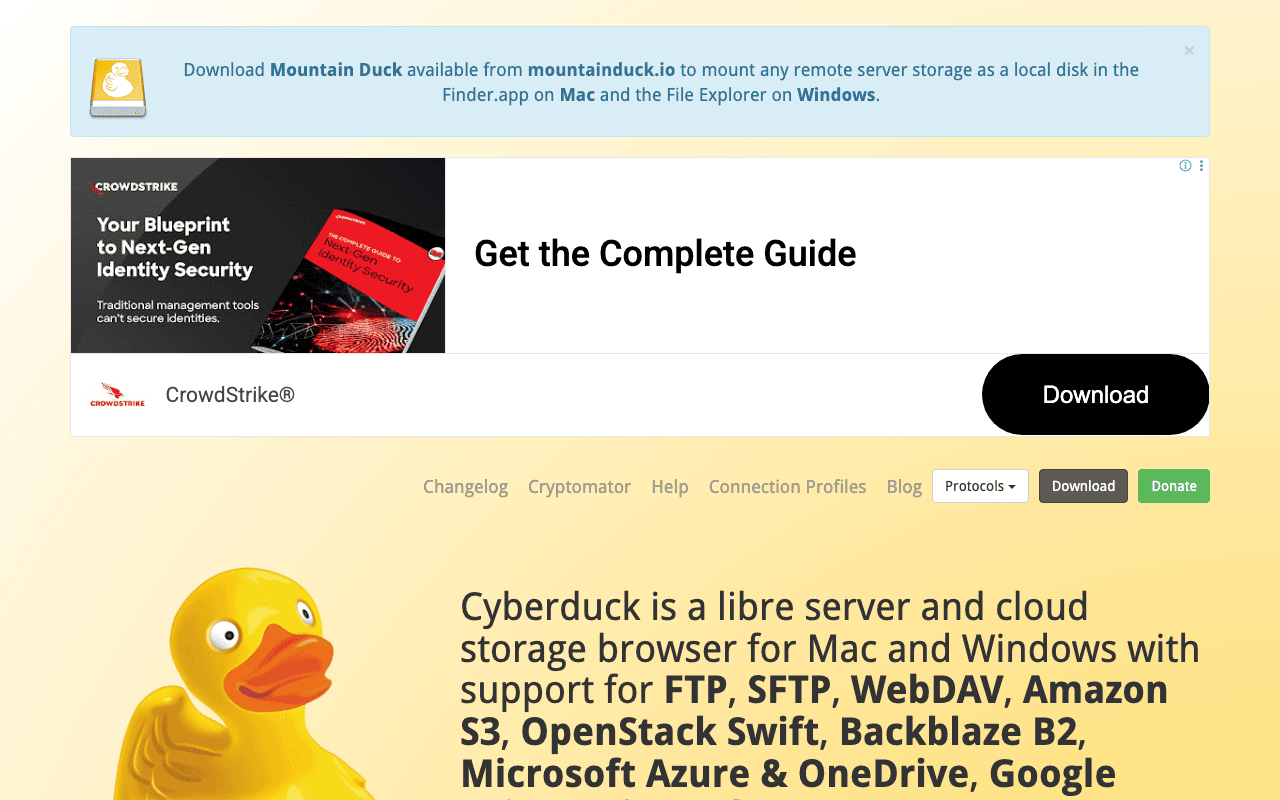
Cyberduck — Official Website
Our Verdict
For most Mac users in 2026, Cyberduck is the better choice for file transfer because it is free and open source, so you can inspect, self-host, and trust the code. Both install with a single Homebrew command, so the switching cost is low. Choose FileZilla instead if you are moving off Transmit 5.
Feature Comparison
| Feature | FileZilla | Cyberduck |
|---|---|---|
| Price | Free | Free |
| Open Source | No | Yes |
| Replaces | Transmit 5 ($45) | Transmit ($45) |
| Best for | ftp, sftp, file transfer | ftp, sftp, cloud |
| Install | brew install --cask filezilla | brew install --cask cyberduck |
| Category | Developer Tools | System Utilities |
Quick Install
brew install --cask filezillabrew install --cask cyberduckLearn More
In-Depth Overview
FileZilla: free FTP client and paid Pro cloud suite
FileZilla is a long-running open-source FTP client available on Windows, macOS, and Linux. The free client supports FTP, FTPS, and SFTP with a dual-pane style transfer queue, site manager, and resume support. FileZilla Pro, sold separately on filezillapro.com and app stores, adds cloud storage protocols including Amazon S3, Google Drive, OneDrive, SharePoint, Azure, Dropbox, Box, Backblaze B2, Google Cloud, OpenStack Swift, and WebDAV. August 2026 Pro pricing on the official site starts around €12.99 for single-device SKUs and about €29.99 for multi-device packs covering Windows, macOS, and Linux depending on the product card, with RemoteDrive as a separate macOS Finder-mount subscription around €12.99 yearly. Licences are marketed as perpetual with activation governing access to updates and online services. The free client remains sufficient if you only talk to traditional FTP or SFTP servers.
Cyberduck: libre server and cloud storage browser
Cyberduck is a libre GPL server and cloud storage browser for Mac and Windows from iterate GmbH. It supports FTP, SFTP, WebDAV, SMB, Amazon S3, Google Cloud Storage, Azure, Backblaze B2, OpenStack Swift, Google Drive, Dropbox, OneDrive, SharePoint, Box, Nextcloud, ownCloud, and more connection profiles. Native macOS integrations include Keychain passwords, Quick Look, Finder bookmark handling, Notification Center, and optional use as a system protocol handler. Cryptomator client-side encryption vaults, external editor integration, CDN helpers for CloudFront, and open development on GitHub round out the product. Cyberduck is free to download; donations and related Mountain Duck licences support development. For many Mac users it replaces both a classic FTP client and several single-cloud desktop tools.
Detailed Feature Comparison
Protocol coverage
10Free FileZilla covers FTP, FTPS, and SFTP well. Cloud protocols require FileZilla Pro, which then matches mainstream object storage and consumer cloud services.
Single free app covers classic server protocols plus a wide cloud catalogue including S3, B2, Azure, Drive, Dropbox, OneDrive, WebDAV, Swift, Box, and more. The free tier is the whole product for cloud browsing, not a trial.
Verdict: Cyberduck includes cloud backends without a paid SKU; FileZilla needs Pro for the same breadth.
macOS integration
9Functional on Mac but historically less native in UI conventions. Pro adds cloud power; RemoteDrive separately targets Finder mounting.
Keychain, Quick Look, notifications, Finder bookmark workflows, and a Mac-first interaction model remain Cyberduck strengths.
Verdict: Cyberduck still feels more like a Mac citizen.
Transfer queue and bulk jobs
8Mature transfer queue, resume, filters, and simultaneous transfer controls make FileZilla excellent for large site deploys and bulk moves. Resume after a dropped connection works well for large deploys where re-uploading from scratch would waste time.
Solid transfers, resume, and synchronization previews, though heavy queue operators often still prefer FileZilla’s queue UX.
Verdict: FileZilla keeps the edge for queue-centric bulk transfer control.
Security and credentials
8Supports modern auth on SFTP/FTPS; Pro adds master password options. Users must download only from official sources to avoid bundled junk installers on some free mirrors historically associated with the wider ecosystem.
Keychain storage, strong SFTP cipher support, OpenSSH config reading, Cryptomator vaults, and certificate trust via system Keychain.
Verdict: Native Keychain plus Cryptomator give Cyberduck a Mac security UX edge.
Pricing and licensing
8Free client is zero cost for FTP/SFTP. Pro is a paid perpetual-style licence with activation for updates/services; macOS single-device starts around €12.99 and multi-device around €29.99.
Fully usable free under GPL with optional donations; cloud features are not locked behind a Pro SKU.
Verdict: Cyberduck wins free-tier completeness on Mac.
Cross-platform teams
7Windows, macOS, and Linux clients with similar workflows make FileZilla easy to standardise in mixed shops.
Mac and Windows are first-class; Linux users often use Cyberduck CLI (duck) instead of a full desktop twin.
Verdict: FileZilla is simpler when the whole team must share one GUI muscle memory across three desktop OSes.
Cloud storage workflows
8FileZilla Pro is strong once paid, including many enterprise clouds. Free FileZilla alone is not a cloud browser.
Cloud browsing is a core free feature with profiles for popular providers and CDN helpers for some workflows.
Verdict: For free cloud access on Mac, Cyberduck wins immediately; Pro narrows the gap if you already prefer FileZilla.
Who Should Choose Which?
1Mac freelancer managing S3 and SFTP
Free cloud plus server support in one native-feeling app without Pro.
2Agency with Windows and Mac devs
Shared muscle memory and free SFTP everywhere; buy Pro only where clouds are required.
3WordPress migrator doing bulk FTP deploys
Transfer queue and resume behaviour remain excellent for large site trees.
4Privacy-conscious Mac admin
Keychain storage, Cryptomator vaults, and open source default.
5User who wants Finder mounts
Pair Cyberduck knowledge with Mountain Duck, or evaluate FileZilla Pro RemoteDrive if you prefer that subscription.
Migration Guide
Filezilla → Cyberduck
Export FileZilla Site Manager entries where possible and recreate bookmarks in Cyberduck. Re-enter secrets into Keychain. Re-test passive/active FTP modes and SFTP keys. Map any Pro-only cloud bookmarks to Cyberduck profiles.
Cyberduck → Filezilla
Recreate bookmarks in FileZilla Site Manager. For clouds, install FileZilla Pro rather than free FileZilla. Import keys carefully and verify simultaneous transfer limits for large jobs.
Pro Tips
Always download installers from official domains, keep SFTP preferred over plain FTP, and store secrets in the OS keychain or a password manager, not in plain notes.
Final Verdict
Cyberduck
Winner
Runner-up
Scores are Bundl.run editorial ratings out of 10 across 7 criteria (the feature comparison above), last reviewed August 2026.
For Mac users in August 2026, Cyberduck is the better default free client because cloud protocols, open-source licensing, and native macOS integrations arrive without a Pro paywall. FileZilla remains highly capable for pure FTP/SFTP and for teams that value its transfer queue; FileZilla Pro is competitive if you want that queue with clouds and are willing to pay roughly low tens of euros per licence. Choose FileZilla when cross-platform queue workflows dominate; choose Cyberduck when free multi-cloud access on a Mac matters most. If you standardise, write down the bookmark export path for each app, where keys live, and what happens if you need to move a project back. A short doc now saves hours when macOS Tahoe ships its next point release or a host changes its SFTP host key.
Bottom Line: Install Cyberduck first on Mac; keep free FileZilla for SFTP-only muscle memory, and buy FileZilla Pro only if its queue plus clouds beat Cyberduck for your hands.
Video Tutorials
How to FTP on Windows and Mac with Cyberduck (an FTP client)
Tony Teaches Tech • 49.8K views
How to Use Cyberduck Tutorial - Connecting with FTP, FTPS, SFTP, uploading and downloading
Hosted~FTP~ Resources • 81.0K views
AWS EC2 File Transfer with Cyberduck on Mac
Silver Lining Cloud Solutions • 107 views
How to Use Cyberduck FTP Client
ExaVault • 43.3K views
Frequently Asked Questions
Is Cyberduck free in 2026?
Is free FileZilla enough for S3?
Which is better on Mac?
How much is FileZilla Pro for Mac?
Does FileZilla Pro replace Cyberduck for cloud work?
Is FileZilla safe to download?
Can Cyberduck mount drives in Finder?
Which should web developers pick?
Did the verdict change since May 2026?
Do both support macOS Tahoe?
What verification step 1 should Mac users run before standardising?
What verification step 2 should Mac users run before standardising?
What verification step 3 should Mac users run before standardising?
What verification step 4 should Mac users run before standardising?
What verification step 5 should Mac users run before standardising?
What verification step 6 should Mac users run before standardising?
What verification step 7 should Mac users run before standardising?
What verification step 8 should Mac users run before standardising?
About the Author

Explore More on Bundl
Browse file transfer apps or discover curated bundles.
Expert Insights
Selection note 1: list every protocol you use in a typical month, then verify that list against the free tier. Free FileZilla handles FTP, FTPS, and SFTP only, Cyberduck includes S3 and other clouds free. If your list needs clouds without a budget, that decides it.
Selection note 2: test macOS fit on Tahoe 26.x. Check Keychain save and recall, Quick Look, Finder bookmark creation, and notifications. Small native details add up for a tool you open dozens of times a week.
Selection note 3: measure the queue you actually run. Time a 10 GB deploy with hundreds of small files, note resume reliability after a dropped connection, and compare filter and concurrency controls. FileZilla often wins heavy queue work.
Selection note 4: separate browser from mount. Cyberduck is a browser client, Mountain Duck is the mount companion. FileZilla Pro RemoteDrive on Mac is the analogous mount subscription around €12.99 per year. Decide whether you need a browser, a mount, or both.
Selection note 5: verify installer source and notarization. Download only from cyberduck.io, filezilla-project.org, or filezillapro.com, and confirm the Mac build is current for Apple Silicon. Some mirrors historically bundled extras that caused antivirus warnings.
Selection note 6: check renewal math before you standardise. Record FileZilla Pro single-device around €12.99, multi-device around €29.99, and RemoteDrive subscription separately. For Cyberduck, donations are optional. Put the three-year total in your team wiki.
Selection note 7: test collaboration handoff. Export bookmarks or Site Manager entries, share them with a teammate, and see how secrets move via Keychain or a password manager. Avoid storing passwords in plain notes or shared docs.
Selection note 8: run a security pass for the data you handle. For client work, test Cryptomator vaults in Cyberduck, SFTP key handling, and FTPS certificate verification. Prefer SFTP or FTPS over plain FTP in every case.
Selection note 9: pilot both for at least several days on real host types, then re-read the pricing and feature matrix you wrote. Comparison pages age fast when a vendor adds a cloud or changes a bundle, so your own pilot log is the source of truth.
Sources & References
Fact-CheckedLast verified: Aug 9, 2026
Key Verified Facts
- Cyberduck is a libre GPL server and cloud storage browser for Mac and Windows supporting FTP, SFTP, WebDAV, S3, Azure, B2, Drive, Dropbox, OneDrive, and more.[cite-cyberduck]
- FileZilla Pro pricing on the official site includes single-device options starting around €12.99 and multi-device options around €29.99 depending on platform pack.[cite-filezilla-pro]
- The free FileZilla client supports FTP, FTPS, and SFTP, while cloud storage requires FileZilla Pro according to the vendor’s own comparison FAQ.[cite-filezilla-pro, cite-filezilla]
- Cyberduck integrates with the macOS Keychain and Quick Look for native credential storage and previews.[cite-cyberduck]
- 1Cyberduck official site
Accessed Aug 9, 2026
- 2FileZilla free FTP solution
Accessed Aug 9, 2026
- 3FileZilla Pro product and pricing
Accessed Aug 9, 2026
- 4FileZilla Pro suite overview
Accessed Aug 9, 2026
- 5Cyberduck vs FileZilla overview
Accessed Aug 9, 2026
- 6FileZilla alternatives including Cyberduck
Accessed Aug 9, 2026
Research queries: FileZilla Pro pricing macOS 2026; Cyberduck features cloud S3; FileZilla free vs Pro cloud; Cyberduck vs FileZilla Mac
Related Technologies & Concepts
Related Topics
Free versus Pro cloud access
Where FileZilla gates cloud protocols behind Pro while Cyberduck includes them free.
Mac-native file transfer UX
Keychain, Quick Look, Finder workflows, and transfer queue ergonomics on macOS Tahoe.
Protocol choice and security
FTP versus SFTP/FTPS, cloud identity, and credential storage practices.