TL;DR
GIMP vs Adobe Photoshop: GIMP 3.2.4 closed ground on the Mac with proper Apple Silicon builds, but Photoshop still comes out ahead for paid work that needs Firefly, Camera Raw and reliable PSD exchange. The August 2026 check does not overturn the May call. It makes the split clearer: GIMP is a real free path, Photoshop is the paid standard. The practical difference is clearest at handoff. A freelancer sending a layered PSD to an agency will hit fewer questions with Photoshop, while someone delivering web graphics can work entirely in GIMP.
Which is better: GIMP or Adobe Photoshop?
GIMP is the top pick for most Mac users looking at design. It is free and open-source and installs in one Homebrew command. Adobe Photoshop is the stronger choice if you want photo editing. As of September 2026, both install with brew install --cask gimp and brew install --cask adobe-photoshop.
GIMP vs Adobe Photoshop
Which is the better design for Mac in 2026?
We compared GIMP and Adobe Photoshop across 6 key factors including price, open-source status, and community adoption. Read our full breakdown below.
GIMP
Free and open-source image editor
Adobe Photoshop
The world's leading image editing software for photo retouching, compositing, and design.
Visual Comparison
GIMP
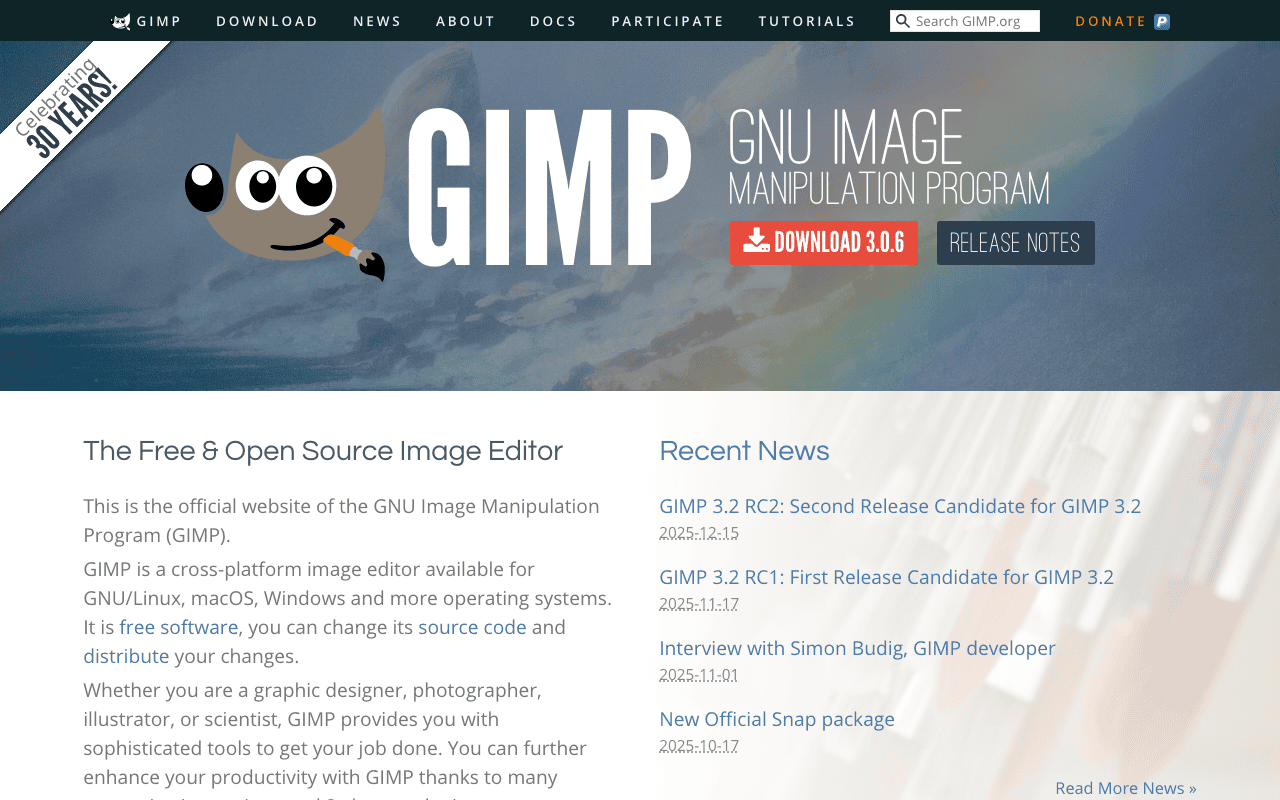
GIMP — Official Website
Our Verdict
GIMP 3.2.4 closed ground on the Mac with proper Apple Silicon builds, but Photoshop still comes out ahead for paid work that needs Firefly, Camera Raw and reliable PSD exchange. The August 2026 check does not overturn the May call. It makes the split clearer: GIMP is a real free path, Photoshop is the paid standard. The practical difference is clearest at handoff. A freelancer sending a layered PSD to an agency will hit fewer questions with Photoshop, while someone delivering web graphics can work entirely in GIMP.
Feature Comparison
| Feature | GIMP | Adobe Photoshop |
|---|---|---|
| Price | Free | Paid |
| Open Source | Yes | No |
| Replaces | Adobe Photoshop ($23/mo) | — |
| Best for | image editor, photo editing, graphics | photo editing, design, adobe |
| Install | brew install --cask gimp | brew install --cask adobe-photoshop |
| Category | Design & Creative | Design & Creative |
Quick Install
brew install --cask gimpbrew install --cask adobe-photoshopLearn More
In-Depth Overview
What is GIMP?
GIMP (GNU Image Manipulation Program) is the leading free raster editor. In August 2026 the stable release is GIMP 3.2.4 from 17 April 2026, continuing the GIMP 3 series with official macOS Apple Silicon and Intel DMGs for macOS 11 and later. The GIMP team does not publish Mac App Store builds, so App Store copies are from third parties. You get layers, masks, GEGL-based processing, scripting and a large plugin ecosystem including G'MIC. There is no built-in Firefly-class generative suite. The licence is GPL and donations are optional.
What is Adobe Photoshop?
Adobe Photoshop is the professional raster editor for retouching, compositing, digital painting and marketing creative on the Mac. In August 2026 it is sold through Creative Cloud with Firefly generative tools such as Generative Fill, Expand and Remove, Apple Silicon performance, and monthly generative credits that depend on the plan. Typical US list framing is Photoshop Single App around US$22.99 per month billed annually, or the Photography plan around US$19.99 per month with Photoshop plus Lightroom and plan-dependent storage and credits. Creative Cloud Pro and other multi-app bundles cost more. A subscription is required. There is no perpetual licence.
Detailed Feature Comparison
AI and Smart Tools
CriticalNo first-party Firefly-class generative suite. Community plugins and external AI tools exist, but they are not an integrated Adobe generative workflow.
Firefly-powered Generative Fill, Expand, Remove, and related tools with monthly generative credits that depend on your Creative Cloud / Firefly plan. Partner models may cost more credits per generation.
Verdict: Photoshop has a mature generative stack built on Firefly. GIMP relies on community plugins and outside tools, which cannot match that integration.
Non-Destructive Editing
HighGIMP has layer masks and some filter previews, but it does not have Smart Objects, Adjustment Layers or Smart Filters. Most edits write directly to pixels, so they are destructive.
Photoshop keeps edits live with Smart Objects, Adjustment Layers, Smart Filters and layer styles. You can revise without altering the original pixel data.
Verdict: Photoshop keeps edits editable in a way that matters for client revisions. GIMP is workable but more destructive.
Price and Licensing
CriticalFree under GPL. Official DMGs from gimp.org; avoid unrelated paid App Store wrappers.
Subscription only: Photography plan ~US$19.99/mo or Photoshop Single App ~US$22.99/mo (regional pricing varies); generative credits are plan-metered.
Verdict: GIMP costs nothing. Photoshop costs roughly US$1,380 to US$2,040 over five years depending on plan, which is the core trade-off.
Color Management and Print
HighGIMP supports ICC profiles and can do CMYK through plugins such as Separate+, but native CMYK editing is not built in. The app works primarily in RGB, which limits print production use.
Photoshop has built-in CMYK, Lab and multi-channel support with soft proofing, separations and ICC profile handling for print.
Verdict: For serious print production, Photoshop is the practical choice. GIMP needs workarounds and falls short for press-ready CMYK.
Selection Tools
HighGIMP offers standard selection tools: rectangle, ellipse, free select, fuzzy select (magic wand), by color, scissors, and foreground select. These work well but require more manual effort for complex selections.
Photoshop includes AI-based Select Subject, Object Selection and the Select and Mask workspace. Hair and transparent edges are notably quicker to cut out.
Verdict: Photoshop cuts time on difficult selections such as hair. GIMP can do it, but with more manual work.
Plugin and Script Ecosystem
MediumGIMP supports Script-Fu and Python-Fu. The plugin registry has hundreds of filters and automation scripts, including the G'MIC framework with more than 600 filters.
Photoshop has the largest plugin catalogue in this category. Nik Collection, Topaz AI and Luminar are common examples, plus Actions and Scripts for automation.
Verdict: Photoshop has more commercial plugins and ongoing maintenance. GIMP answers with G'MIC, which covers a lot of ground for free.
PSD Compatibility
MediumGIMP can open and export PSD files, but Smart Objects, Adjustment Layers, some blend modes and layer effects often flatten or fail to render correctly.
PSD is native to Photoshop, so fidelity is complete. Photoshop also handles most major image formats and offers deep RAW support through Camera Raw.
Verdict: If files move between Photoshop users, native PSD fidelity matters. GIMP is fine for simpler PSDs, risky for complex ones.
Who Should Choose Which?
1The Professional Photographer
Camera Raw integration, advanced retouching with AI tools, CMYK for print, and Lightroom integration make Photoshop essential for professional photography workflows.
2The Hobbyist / Home User
For personal photo editing, social media graphics, and hobby digital art, GIMP provides more than enough capability without any cost.
3The Student
Students can learn image editing fundamentals with GIMP for free. The skills transfer to Photoshop when needed professionally. Many concepts (layers, masks, channels) are identical.
4The Linux User
Photoshop doesn't run on Linux. GIMP is the premier image editor on Linux and integrates well with the GNOME/GTK ecosystem.
5The Print Production Specialist
CMYK color management, soft proofing, color separations, and preflight are essential for print. GIMP's print capabilities are insufficient for professional production.
6The Open Source Advocate
GIMP respects user freedom, doesn't phone home, doesn't require accounts, and can be audited, modified, and redistributed. It aligns perfectly with open-source values.
7The Photography Hobbyist on a Budget
Casual photographers who adjust RAW files, fix exposure and apply filters will find GIMP covers the basics without a subscription. Plugins such as darktable or RawTherapee handle import, so the free path works end to end. YouTube tutorials are plentiful if the initial learning curve feels steep. For a few edits a month, US$22.99 per month is hard to justify.
8The Print Production Designer
Press work needs CMYK, proofing and precise spot-colour handling. Photoshop does this natively, while GIMP works in RGB and leans on plugins. Linked Smart Objects and shared Creative Cloud Libraries also matter when files move between Photoshop, InDesign and Illustrator in a shop.
9The Open-Source Advocate and Linux User
The same app, shortcuts and plugins on Ubuntu, Fedora and macOS matters if you live on Linux as well as Mac. GIMP can be audited, modified and redistributed without licence tracking, so it fits organisations that want to avoid lock-in.
Migration Guide
Gimp → Adobe Photoshop
Concepts carry over, but names change. GIMP Paths map to the Pen Tool, and the Colors menu aligns with Image then Adjustments. Photoshop adds Smart Objects and Adjustment Layers with no direct GIMP equivalent. Shortcuts differ a lot, so consider a custom preset if your muscle memory is strong.
Adobe Photoshop → Gimp
You will work more destructively in GIMP because Smart Objects and Adjustment Layers do not exist there. Layer groups and masks can stand in. PSDs open, but advanced features may flatten. Install G'MIC for extra filters, and try the Photoshop-like shortcut preset from the community.
Pro Tips
Learn what GIMP does well on its own terms. G'MIC, Script-Fu and workspace customisation are strengths that compensate for missing Photoshop habits. When you test, pick one real file you care about and run it through both apps rather than judging from screenshots.
Final Verdict
Adobe Photoshop
Winner
Runner-up
Scores are Bundl.run editorial ratings out of 10 across 7 criteria (the feature comparison above), last reviewed August 2026.
GIMP 3.2.4 closed ground on the Mac with proper Apple Silicon builds, but Photoshop still comes out ahead for paid work that needs Firefly, Camera Raw and reliable PSD exchange. The August 2026 check does not overturn the May call. It makes the split clearer: GIMP is a real free path, Photoshop is the paid standard. The practical difference is clearest at handoff. A freelancer sending a layered PSD to an agency will hit fewer questions with Photoshop, while someone delivering web graphics can work entirely in GIMP.
Bottom Line: Choose Photoshop for client work and generative pipelines. Choose GIMP 3.2.x when free and open source is the constraint.
Video Tutorials
GIMP - Tutorial for Beginners in 13 MINUTES! [ COMPLETE & UPDATED ]
Skills Factory • 82.6K views
GIMP in Less Than 10 Minutes: Beginners Guide
Davies Media Design • 1.1M views
How to Install GIMP on a MAC
GIMP TUT • 28.8K views
How to Use GIMP for Mac ~ Photo Editing for Beginners ~ Full Tutorial 2022
Chris' Tutorials • 23.8K views
Frequently Asked Questions
About the Author

Creative Software Expert
Explore More on Bundl
Browse Design & Creative apps, read our complete guide, or discover curated bundles.
Sources & References
Fact-CheckedLast verified: May 6, 2026
Key Verified Facts
- GIMP current stable is 3.2.4 released 17 April 2026 with official macOS Apple Silicon and Intel downloads.[cite-gimp-dl, cite-gimp-324]
- Photoshop is sold only via Creative Cloud subscription plans (Photography and Single App among the common options).[cite-ps-plans, cite-ps-cc]
- Photoshop generative features use Adobe Firefly and consume plan-based generative credits.[cite-firefly, cite-credits]
- The GIMP team does not provide Mac App Store packages; store listings are third-party.[cite-gimp-dl]
- 1
- 2
- 3
- 4
- 5
- 6
- 7
Research queries: GIMP vs Photoshop 2026; GIMP 3.0 features; Adobe Photoshop Generative Fill; GIMP CMYK support
Related Technologies & Concepts
Related Topics
Professional Photo Editing
Commercial-grade tools for photography and digital imaging.
Open Source Creative Tools
Free and open-source alternatives to commercial creative software.
Adobe Creative Suite Alternatives
Software alternatives to Adobe's subscription-based creative tools.