TL;DR
Ghostty vs Warp: For most users in 2026, Ghostty is the better choice because it's open source. However, Warp remains a solid option for users who prefer its unique features.
Which is better: Ghostty or Warp?
For most users in 2026, Ghostty is the better choice because it's open source. However, Warp remains a solid option for users who prefer its unique features.
Ghostty vs Warp
Which is the better terminals for Mac in 2026?
We compared Ghostty and Warp across 5 key factors including price, open-source status, and community adoption. For most users in 2026, Ghostty is the better choice because it's open source. Read our full breakdown below.
Ghostty
GPU-accelerated terminal emulator written in Zig
Warp
Modern, Rust-based terminal with AI
Visual Comparison
Ghostty
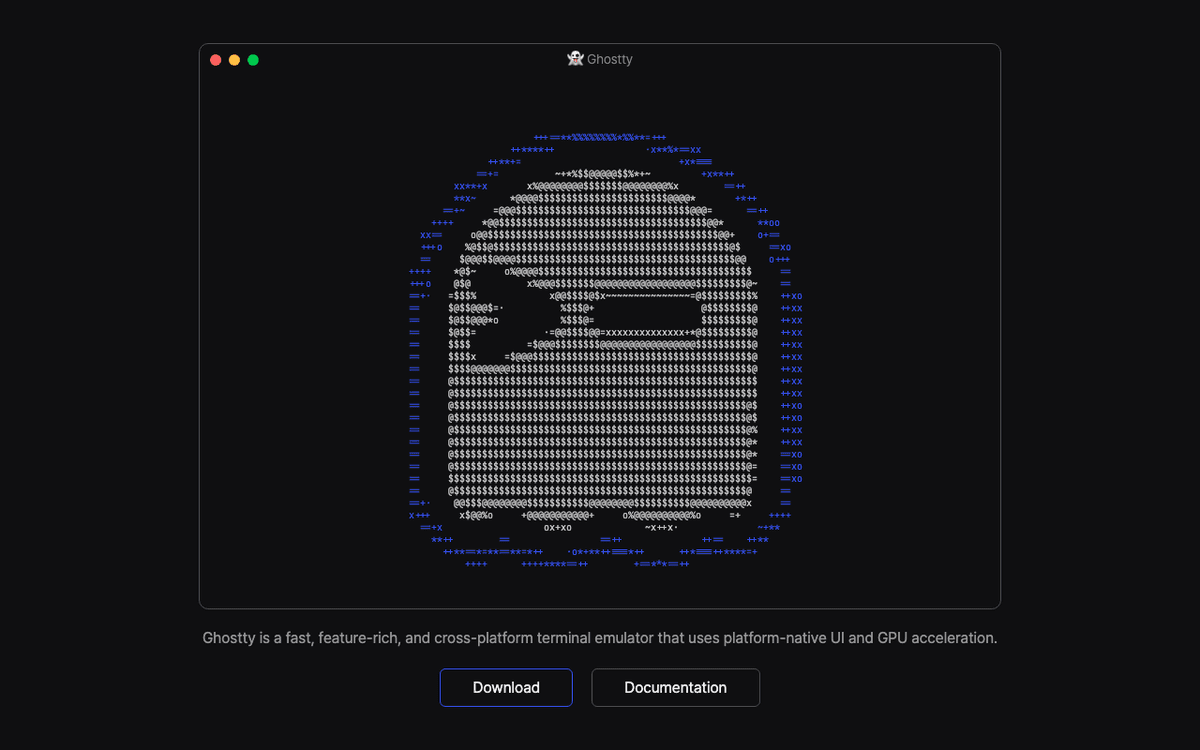
Ghostty — Official Website
Warp
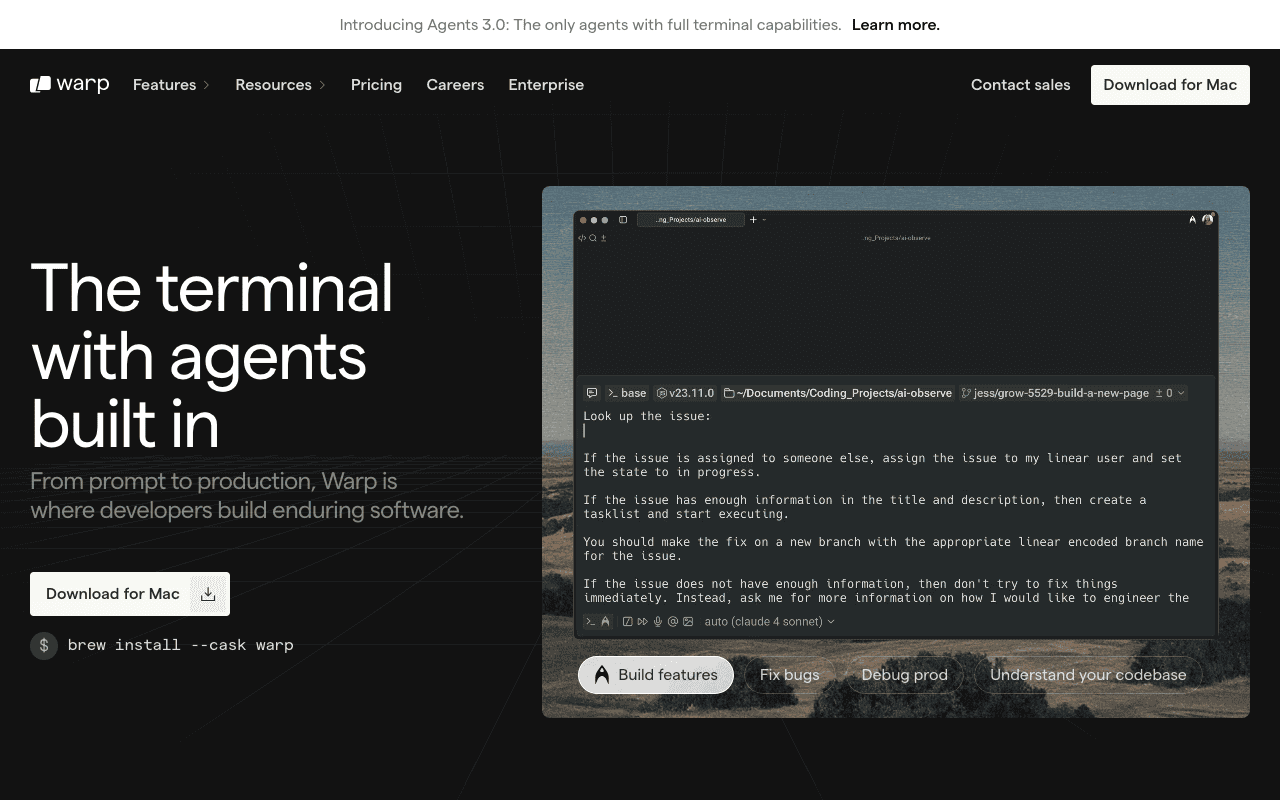
Warp — Official Website
Our Verdict
For most users in 2026, Ghostty is the better choice because it's open source. However, Warp remains a solid option for users who prefer its unique features.
Feature Comparison
| Feature | Ghostty | Warp |
|---|---|---|
| Price | Free | Free |
| Open Source | Yes | No |
| Monthly Installs | N/A | N/A |
| GitHub Stars | N/A | N/A |
| Category | Developer Tools | Developer Tools |
Quick Install
brew install --cask ghosttybrew install --cask warpLearn More
In-Depth Overview
What is Ghostty?
Ghostty is a fast, feature-rich, cross-platform terminal emulator that uses platform-native UI and GPU acceleration. Created by Mitchell Hashimoto, co-founder of HashiCorp, Ghostty aims to solve a problem most terminals face: forcing users to choose between speed, features, or native UI integration. Ghostty provides all three. The core is written in Zig with platform-specific native UIs—Swift and AppKit on macOS, GTK4 on Linux. It uses Metal for GPU rendering on macOS and OpenGL on Linux, ensuring smooth scrolling and low latency. Ghostty supports modern terminal protocols like Kitty graphics, synchronized rendering, and proper grapheme clustering. It is fully open source under the MIT license and completely free. As of mid-2026, Ghostty is rapidly approaching its 1.0 release with regular updates, expanding Linux support, and an active community. Windows support is planned for the future.
What is Warp?
Warp is the modern terminal for agentic coding, positioning itself as an 'Agentic Development Environment' (ADE) rather than a traditional terminal emulator. Built in Rust, Warp integrates AI deeply into the terminal workflow through features like Agent mode for autonomous task execution, Warp Drive for team knowledge sharing, and the Oz platform for cloud agent orchestration. Warp supports multiple AI models including Claude, GPT-4o, Gemini, and Codex. The terminal itself features a custom block-based interface that organizes commands and outputs visually, making navigation and history management intuitive. In late 2025, Warp became fully open source under AGPL v3. The company monetizes through AI credit-based subscriptions: Free (75-150 credits/month), Build ($20/month with 1,500 credits), Max ($180/month for heavy users), and Business ($50/user/month). With over 700,000 developers using Warp, it has become the standard for AI-augmented terminal workflows.
Detailed Feature Comparison
Performance & Rendering
CriticalGhostty uses Metal on macOS and OpenGL on Linux for GPU-accelerated rendering. Startup is instant (<1 second), scrolling is buttery smooth even with massive outputs, and memory usage is significantly lower than traditional terminals. The native UI components feel responsive and integrated with the platform.
Warp is built in Rust with a custom renderer, providing good performance for most workflows. However, the block-based UI and AI features introduce overhead. While faster than Electron-based terminals, it does not match Ghostty's raw rendering speed or startup time. Memory usage increases with AI features enabled.
Verdict: Ghostty's native GPU rendering and minimal overhead give it a clear performance advantage, particularly on Apple Silicon where Metal integration shines.
AI Integration
CriticalGhostty is intentionally AI-free. It focuses purely on being an excellent terminal emulator without AI chat, completions, or agent features. Users who want AI integration use their shell or external tools (like running LLM CLIs directly in the terminal).
AI is central to Warp's identity. Features include Agent mode for autonomous task execution, AI command suggestions, natural language to shell command conversion, intelligent error explanations, and the Oz platform for cloud agent orchestration. Supports multiple models (Claude, GPT-4o, Gemini, Codex) with bring-your-own-key options.
Verdict: Warp wins decisively on AI integration. Ghostty deliberately avoids this space, making Warp the only choice for developers wanting built-in AI terminal assistance.
Native Platform Integration
HighGhostty uses native UI components on each platform: Swift/AppKit on macOS with native tabs, splits, Quick Look, force touch, secure keyboard entry, and AppleScript support. On Linux, it uses GTK4 with proper desktop integration. The terminal feels like it belongs on your platform.
Warp uses a custom UI built in Rust, which looks modern and consistent but does not use native platform components. It has its own tab and split implementations, theme system, and visual style. While polished, it feels like an app with its own design language rather than a native platform citizen.
Verdict: Ghostty's commitment to native platform UIs gives it superior integration with macOS (and to a lesser extent Linux). Warp's custom UI is nice but intentionally platform-agnostic.
Terminal Protocol Support
HighGhostty supports an extensive range of modern terminal protocols: Kitty graphics protocol for inline images, synchronized rendering to prevent tearing, proper grapheme clustering for emoji and complex scripts, light/dark mode notifications, hyperlinks, and full xterm compatibility. The goal is maximum compatibility with both legacy and cutting-edge terminal applications.
Warp supports common terminal features and most standard protocols, but its focus on the block-based UI and AI features means some advanced terminal protocols are not prioritized. It works well for common development workflows but may not support bleeding-edge terminal applications as comprehensively as Ghostty.
Verdict: Ghostty's explicit goal of being the most compatible and modern terminal emulator gives it the edge for developers using advanced terminal applications like Neovim with plugins, image viewers, or complex TUIs.
Collaboration & Sharing
MediumGhostty is a single-user local terminal with no built-in collaboration features. Sharing terminal sessions requires external tools like tmux with sharing, SSH, or screen recording. This is by design—Ghostty focuses on individual developer experience.
Warp Drive enables team knowledge sharing with saved commands, notebooks, and workflows. Warp's cloud features allow sharing terminal sessions, collaborative debugging, and shared context across team members. The Oz platform extends this to orchestrating agents across team infrastructure.
Verdict: Warp's team-oriented features are far ahead. For developers working in teams who need to share terminal workflows, Warp is the clear choice.
Customization & Configuration
MediumGhostty uses a simple configuration file format with hundreds of options. Ships with hundreds of built-in themes, supports custom fonts with ligatures, and allows deep customization of keybindings, window behavior, and terminal features. Configuration is straightforward and well-documented.
Warp offers themes, font selection, and various appearance settings. However, the block-based UI and AI-centric design limits some traditional terminal customizations. Settings are managed through a UI rather than configuration files, which some users prefer but others find limiting.
Verdict: Ghostty's configuration system is more powerful and traditional, appealing to developers who want fine-grained control. Warp prioritizes ease of use over deep customization.
Cross-Platform Support
MediumGhostty runs on macOS and Linux (GTK4). Windows support is planned but not yet available as of mid-2026. The macOS and Linux versions are first-class citizens with native UIs on each platform.
Warp supports macOS, Linux, and Windows. The consistent custom UI means the experience is nearly identical across all platforms. This is valuable for developers working across multiple operating systems.
Verdict: Warp's Windows support and consistent cross-platform experience give it the advantage for developers on Windows or working across multiple platforms. Ghostty is limited to macOS and Linux until Windows support arrives.
Offline Functionality
MediumGhostty is completely offline-capable. All features work without internet connectivity. There are no cloud dependencies, account requirements, or telemetry that requires connectivity.
Warp's core terminal works offline, but its signature AI features require internet connectivity. The free plan and paid plans both rely on cloud AI services. Account creation is required. Some features like Warp Drive and team collaboration are cloud-dependent.
Verdict: Ghostty wins for offline workflows or environments with restricted internet access. Warp's AI-centric model inherently requires connectivity for its most valuable features.
Ghostty vs Warp Feature Matrix
| Feature | Ghostty | Warp | Winner |
|---|---|---|---|
| Performance & Rendering | Excellent | Good | Ghostty |
| AI Integration | None | Excellent | Warp |
| Native Platform Integration | Excellent | Fair | Ghostty |
| Terminal Protocol Support | Excellent | Good | Ghostty |
| Collaboration & Sharing | Poor | Excellent | Warp |
| Customization & Configuration | Excellent | Good | Ghostty |
| Cross-Platform Support | Good | Excellent | Warp |
| Offline Functionality | Excellent | Fair | Ghostty |
Who Should Choose Which?
1The Terminal Purist Developer
You want your terminal to be fast, predictable, and stay out of the way. You value native platform integration, low resource usage, and do not want AI interference in your workflow. Ghostty respects the Unix philosophy of doing one thing well.
2The AI-Augmented Developer
You view AI as a genuine productivity multiplier and want it integrated into your terminal. You value natural language command generation, error explanation, and the ability to delegate tasks to agents. The cost is justified by time saved.
3The Cross-Platform Developer
You work across macOS, Linux, and Windows and want a consistent terminal experience. Ghostty's lack of Windows support is a dealbreaker. Warp's unified UI across platforms is valuable for your workflow.
4The Security/Offline-Conscious Developer
You work in air-gapped environments, have strict data residency requirements, or simply prefer tools that do not phone home. Ghostty's complete offline capability and lack of cloud dependencies make it the clear choice.
5The Team Lead/DevOps Engineer
You need to share terminal workflows, create reusable command notebooks for your team, and collaborate on debugging sessions. Warp Drive and team features provide genuine value for team coordination.
Migration Guide
From_ghostty → Warp
Install Warp from warp.dev. Create an account to access AI features. Import your shell configuration—Warp works with your existing dotfiles. Set up AI model preferences in Settings > AI. If you have existing API keys for OpenAI or Anthropic, add them for BYOK mode to save on AI costs. Recreate any complex terminal layouts using Warp's blocks and panes. Be prepared for a different visual paradigm—the block-based UI requires adjustment but offers new navigation patterns.
From_warp → Ghostty
Install Ghostty from ghostty.org or your package manager. Copy your shell dotfiles—Ghostty respects your existing shell configuration completely. Configure Ghostty via its config file (typically ~/.config/ghostty/config) to set your preferred font, theme, and keybindings. If you relied on Warp's AI features, consider installing CLI AI tools like Claude Code, aider, or shell integrations with LLM APIs. Transfer any Warp Drive notebooks to your personal knowledge base or documentation system.
Final Verdict
tie
Winner
Runner-up
Ghostty and Warp represent two valid but divergent visions for the future of terminal emulators. Ghostty achieves excellence by perfecting the traditional terminal experience: native integration, GPU acceleration, protocol completeness, and zero overhead. It is the best choice for developers who view their terminal as a tool that should be fast, predictable, and invisible. Warp achieves excellence by reimagining the terminal for an AI-augmented future: intelligent assistance, team collaboration, and agentic automation. It is the best choice for developers who view AI as essential to their workflow and the terminal as a command center rather than a text interface. Neither is objectively superior—they serve different developer philosophies and both execute their visions exceptionally well in 2026.
Bottom Line: Choose Ghostty if you want a fast, native, AI-free terminal that respects platform conventions and stays out of your way. Choose Warp if you want AI deeply integrated into your terminal workflow, team collaboration features, and are willing to pay for AI productivity gains.
Video Tutorials
How to Make Your Mac Terminal Look Beautiful (Ghostty Setup Guide)
Ksk Royal • 9.8K views
Ghostty Terminal: A Complete Setup Guide for Modern Mac Development
WEBdoze • 27.4K views
My New Terminal for 2025 — setup, neovim, and TMUX, oh my!
chantastic • 35.3K views
Ghostty - The BEST Terminal!?
Better Stack • 112.2K views
Frequently Asked Questions
About the Author

Explore More on Bundl
Browse terminals apps, read our complete guide, or discover curated bundles.
Related Technologies & Concepts
Related Topics
GPU-Accelerated Terminal Emulators
Terminals leveraging GPU rendering for smooth performance and low latency
AI-Augmented Developer Tools
Tools integrating large language models for code assistance and automation
Native macOS Developer Tools
Applications built with genuine native UI frameworks for optimal platform integration
Sources & References
Fact-CheckedLast verified: May 8, 2026
Key Verified Facts
- Ghostty is written primarily in Zig with native UIs in Swift/AppKit (macOS) and GTK4 (Linux)[cite-ghostty-about]
- Warp is built in Rust and became fully open source under AGPL v3 in late 2025[cite-warp-opensource, cite-warp-docs]
- Ghostty uses Metal on macOS and OpenGL on Linux for GPU-accelerated rendering[cite-ghostty-features]
- Warp pricing: Free (75-150 credits/month), Build ($20/month, 1,500 credits), Max ($180/month)[cite-warp-pricing]
- Ghostty is completely free and open source under MIT license with no paid tiers[cite-ghostty-github]
- 1About Ghostty - Ghostty Documentation
Accessed May 8, 2026
- 2Features - Ghostty Documentation
Accessed May 8, 2026
- 3Ghostty GitHub Repository
Accessed May 8, 2026
- 4Warp Pricing
Accessed May 8, 2026
- 5Warp Documentation - Getting Started
Accessed May 8, 2026
- 6Warp is now open source
Accessed May 8, 2026
- 7Changes to Warp's pricing: Introducing Build
Accessed May 8, 2026
Research queries: Ghostty terminal 2026 features Mitchell Hashimoto pricing; Warp terminal pricing plans Build Max 2026; Warp open source AGPL 2025; Ghostty vs Warp comparison 2026