TL;DR
Podman Desktop vs Docker Desktop: For most Mac users in 2026, Podman Desktop is the better choice for containers because it is a free, install-in-one-command replacement for Docker Desktop Pro. Both install with a single Homebrew command, so the switching cost is low. Choose Docker Desktop instead if you want containers.
Which is better: Podman Desktop or Docker Desktop?
Podman Desktop is the top pick for most Mac users looking at containers. It is free and installs in one Homebrew command. Docker Desktop is the stronger choice if you want containers. As of September 2026, both install with brew install --cask podman-desktop and brew install --cask docker.
Podman Desktop vs Docker Desktop
Which is the better containers for Mac in 2026?
We compared Podman Desktop and Docker Desktop across 6 key factors including price, open-source status, and community adoption. Read our full breakdown below.
Podman Desktop
Open-source container management alternative to Docker
Docker Desktop
App for building, sharing, and running containerized apps
Visual Comparison
Docker Desktop
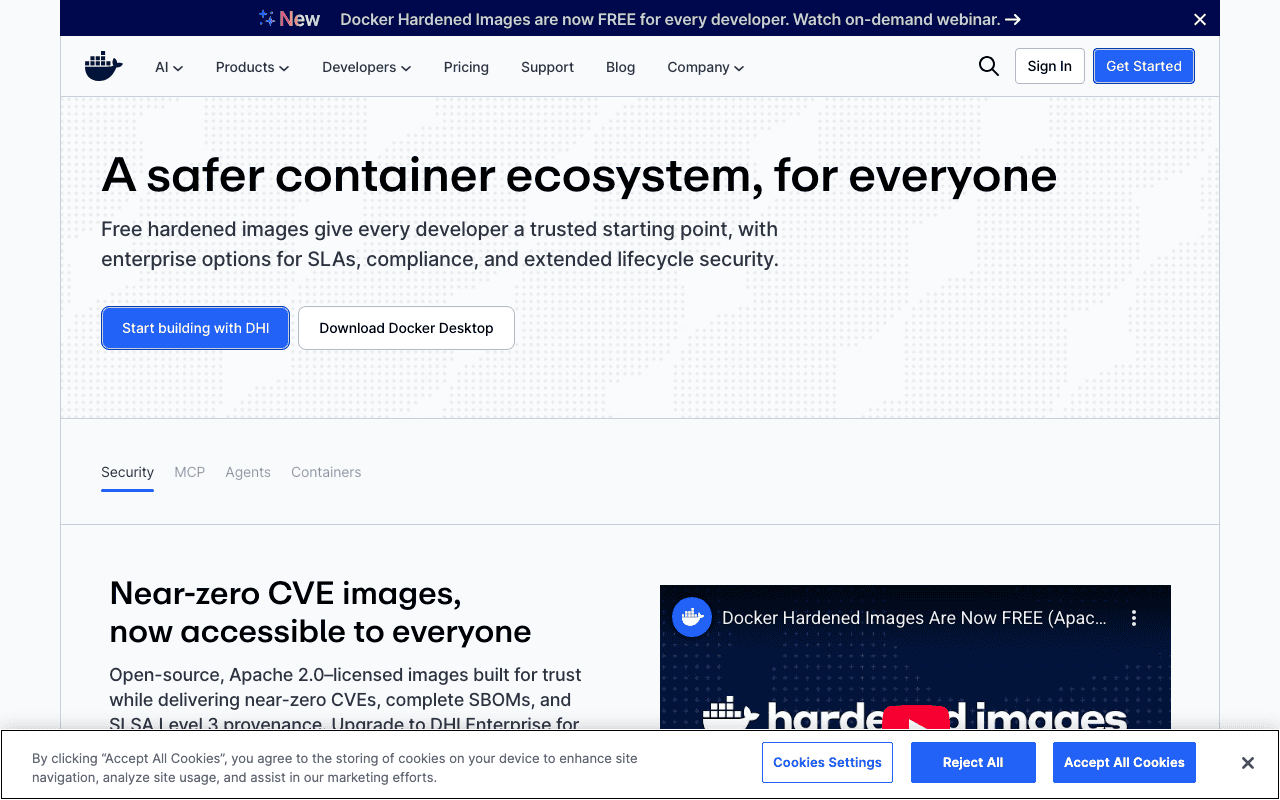
Docker Desktop — Official Website
Our Verdict
For most Mac users in 2026, Podman Desktop is the better choice for containers because it is a free, install-in-one-command replacement for Docker Desktop Pro. Both install with a single Homebrew command, so the switching cost is low. Choose Docker Desktop instead if you want containers.
Feature Comparison
| Feature | Podman Desktop | Docker Desktop |
|---|---|---|
| Price | Free | Free |
| Open Source | No | No |
| Replaces | Docker Desktop Pro ($11/month) | — |
| Best for | containers, docker-alternative, kubernetes | containers, docker, devops |
| Install | brew install --cask podman-desktop | brew install --cask docker |
| Category | Developer Tools | Developer Tools |
Quick Install
brew install --cask podman-desktopbrew install --cask dockerLearn More
In-Depth Overview
What is Docker?
Docker made containers mainstream in 2013 and stays the default. Docker Engine's dockerd daemon manages lifecycle, networking and storage. Docker Desktop packages that engine for Mac and Windows with a GUI, optional Kubernetes, Compose and Hub access. Official pricing in August 2026 is Personal $0, Pro $9 per user per month billed yearly ($11 month to month), Team $15 yearly ($16 monthly) and Business $24, all per user where it applies. The ecosystem pull is real. Docker Hub, Scout, Build Cloud, Testcontainers Cloud and almost every CI example still treat Docker as the reference. Larger organisations still need paid seats for commercial Desktop use. For solo developers on Personal, Docker is still the lowest friction way to match production Compose files on a Mac.
Detailed Feature Comparison
Security Model
CriticalThe Docker daemon runs as root. While rootless mode exists (since Docker 20.10), it's opt-in and less battle-tested. The default installation gives the daemon and anyone who can talk to the Docker socket, effective root access to the host.
Verdict: Podman's security model is fundamentally stronger. Rootless containers without a privileged daemon eliminate an entire class of privilege escalation attacks.
CLI Compatibility
HighIt's the reference CLI. Every container tutorial, Stack Overflow answer and CI/CD config uses Docker commands.
Verdict: The CLIs are functionally identical for standard container operations.
Compose Support
HighDocker Compose is Docker’s product, deeply integrated into Desktop and CI. It remains the most tested, most documented multi-container path. docker compose up is still the industry default example.
Verdict: Docker Compose works perfectly with Docker. Podman's compose support works for most cases but has edge-case differences.
macOS Experience
HighDocker Desktop is the established macOS experience with a polished GUI, automatic VM management, Hub integration and optional Kubernetes. It is still resource-heavy (often multi-GB RAM) and has licensing restrictions for larger companies under current Pro/Team/Business plans.
Verdict: Docker Desktop is more polished on Mac, though both are running Linux VMs under the hood.
Pod Support
MediumDocker doesn't have a native pod concept. Multi-container grouping is handled by Docker Compose, which uses a different model than Kubernetes pods.
Verdict: Podman's pod support bridges local development and Kubernetes deployment.
Ecosystem & Tooling
CriticalThe largest container ecosystem: Docker Hub, Docker Scout vulnerability scanning, Docker Build Cloud, Testcontainers Cloud and near-universal CI/CD integration (GitHub Actions, GitLab CI, CircleCI examples still assume Docker).
Verdict: Docker's ecosystem is significantly larger and more mature.
Licensing
MediumDocker Desktop requires a paid subscription for many commercial contexts. August 2026 official tiers: Personal free; Pro $9/mo annual ($11 monthly); Team $15/$16; Business $24 per user/month. Docker Engine CLI on Linux remains open; the Desktop product is the licensing hotspot that pushed many teams to evaluate Podman, Colima or OrbStack.
Verdict: Podman has no licensing concerns. Docker Desktop’s commercial seats remain a real factor for enterprises.
Mac Docker Desktop escape hatches
HighDocker Desktop remains the reference Mac GUI. Teams fleeing seats often land on OrbStack for speed or Colima for a free Docker Engine VM rather than rewriting around Podman.
Verdict: Leaving Docker Desktop on a Mac is a three-way choice among Podman Desktop, OrbStack, and Colima, not a binary Podman-or-Docker vote.
Who Should Choose Which?
1Enterprise with Security Requirements
Rootless containers and no privileged daemon satisfy security compliance requirements. Apache 2.0 licensing avoids Docker's commercial restrictions.
2Individual Mac Developer
Docker Desktop (or OrbStack) provides the smoothest Mac experience. The ecosystem and documentation advantages outweigh Podman's security benefits for personal use.
3Kubernetes Developer
Podman's native pod support and podman generate kube bridge local development and Kubernetes deployment.
4CI/CD Pipeline Builder
GitHub Actions, GitLab CI, CircleCI and Jenkins all assume Docker. Fighting this default creates unnecessary friction.
5Mac team escaping Docker Desktop seats without leaving Compose
If the pain is Desktop licensing or RAM, try OrbStack for Docker CLI parity or Podman Desktop for $0 open source. Do not rewrite production Linux hosts until the laptop path is stable.
Migration Guide
Podman → Docker
Install Docker Desktop (or OrbStack if you only need Docker CLI compatibility on Mac). Replace podman with docker in scripts. Dockerfiles usually need no edits. Convert Podman pods into Compose services before you rely on Desktop Kubernetes. Re-authenticate to Docker Hub and re-enable Scout where your org uses it. Disable the Podman machine when Docker owns the docker context so two engines do not fight over ports.
Docker → Podman
Install Podman and Podman Desktop, then run podman machine init && podman machine start on Mac. Replace docker with podman in scripts, or use alias docker=podman for a trial week. Point compose at podman compose or podman-compose and re-test port publishes below 1024, volume mounts, and any containers that expected the Docker socket. Export any Docker Desktop Kubernetes experiments separately; Podman's native pods and podman generate kube are a different path. Keep one machine on Docker until your top five compose projects pass cleanly.
Final Verdict
Docker (for ecosystem; Podman for security)
Winner
Runner-up
Scores are Bundl.run editorial ratings out of 10 across 8 criteria (the feature comparison above), last reviewed August 2026.
Docker remains the default for Compose-driven Mac development and CI in August 2026. Podman 6.0.2 is the smarter security and licensing choice when Desktop seats hurt. OrbStack sits beside both as the Mac speed option for teams that want Docker CLI habits without Docker Desktop weight. The context-split verdict still holds after re-checking Docker plan prices and Podman 6.
Bottom Line: Podman or Docker: pick Docker when ecosystem friction costs more than seats. Pick Podman when rootless defaults and open licensing matter more. On a Mac, also shortlist OrbStack before you treat the choice as binary.
Video Tutorials
How To Install Docker on Mac / MacOS
ProgrammingKnowledge • 118.3K views
Docker Desktop for macOS Setup and Tips
Bret Fisher • 84.7K views
The Only Docker Tutorial You Need To Get Started
The Coding Sloth • 976.7K views
Goodbye Docker Desktop? Apple’s Native Containers for Mac Explained
NL Tech • 142.1K views
Frequently Asked Questions
alias docker=podman works for standard container operations. Edge cases around Docker-specific API features or socket paths may need adjustment.About the Author

Explore More on Bundl
Browse containers apps or discover curated bundles.
Expert Insights
Treat Docker vs Podman as licensing plus security architecture, not as a CLI compatibility question.
On Mac, compare OrbStack before assuming Podman is the only Docker Desktop escape hatch.
Podman 6 modernised backends; it did not erase Docker Hub, Compose, and CI example gravity.
Count Desktop seats over five years before calling Podman "free enough" for a mixed Mac/Linux fleet.
Sources & References
Fact-CheckedLast verified: Aug 9, 2026
Key Verified Facts
- Podman 6.0.2 was released 21 July 2026 as the latest 6.0 stable after the June 2026 6.0.0 major.[cite-podman-eol, cite-podman-site]
- Docker Personal is free; Pro is $9/user/month annual ($11 monthly), Team $15/$16, Business $24 on the official pricing page.[cite-docker-pricing]
- Podman is open source and free with no commercial Desktop seat requirement.[cite-podman-site, cite-podman-desktop]
- On macOS, Podman uses a managed Linux VM because containers are Linux-native.[cite-podman-github, cite-podman-desktop]
- OrbStack Pro is $8 per user per month billed annually for commercial use; personal use remains free.[cite-orbstack-pricing]
- 1Podman official site
Accessed Aug 9, 2026
- 2Podman Desktop
Accessed Aug 9, 2026
- 3Podman versions on endoflife.date
Accessed Aug 9, 2026
- 4containers/podman on GitHub
Accessed Aug 9, 2026
- 5Docker pricing
Accessed Aug 9, 2026
- 6Docker plans FAQs
Accessed Aug 9, 2026
- 7Docker updated plans announcement
Accessed Aug 9, 2026
- 8OrbStack pricing
Accessed Aug 9, 2026
Related Technologies & Concepts
Related Topics
Container Tools
Local container engines and desktops for macOS developers.